Use cases · Installation and networks
Digital gas installation form for your crews
With Kamplix, your digital gas installation form and the LPG installation handover record are filled in on the phone, on site. The installer takes photos, draws the isometric and collects the signature. You get the PDF on your template, ready for your CRM.
The problem
The job ends, the paperwork does not
- 01
Paper records someone retypes
The installer fills in the record by hand. Someone in the office types it. Errors show up weeks later.
- 02
Photos that never arrive
The site photo log stays on the technician’s phone, or arrives by chat without saying which installation it belongs to.
- 03
A hundred installations, a hundred folders
At volume, finding a signed record becomes a chore. And audits want it complete.
How it works
An app for installers, in three steps
- 01
Design
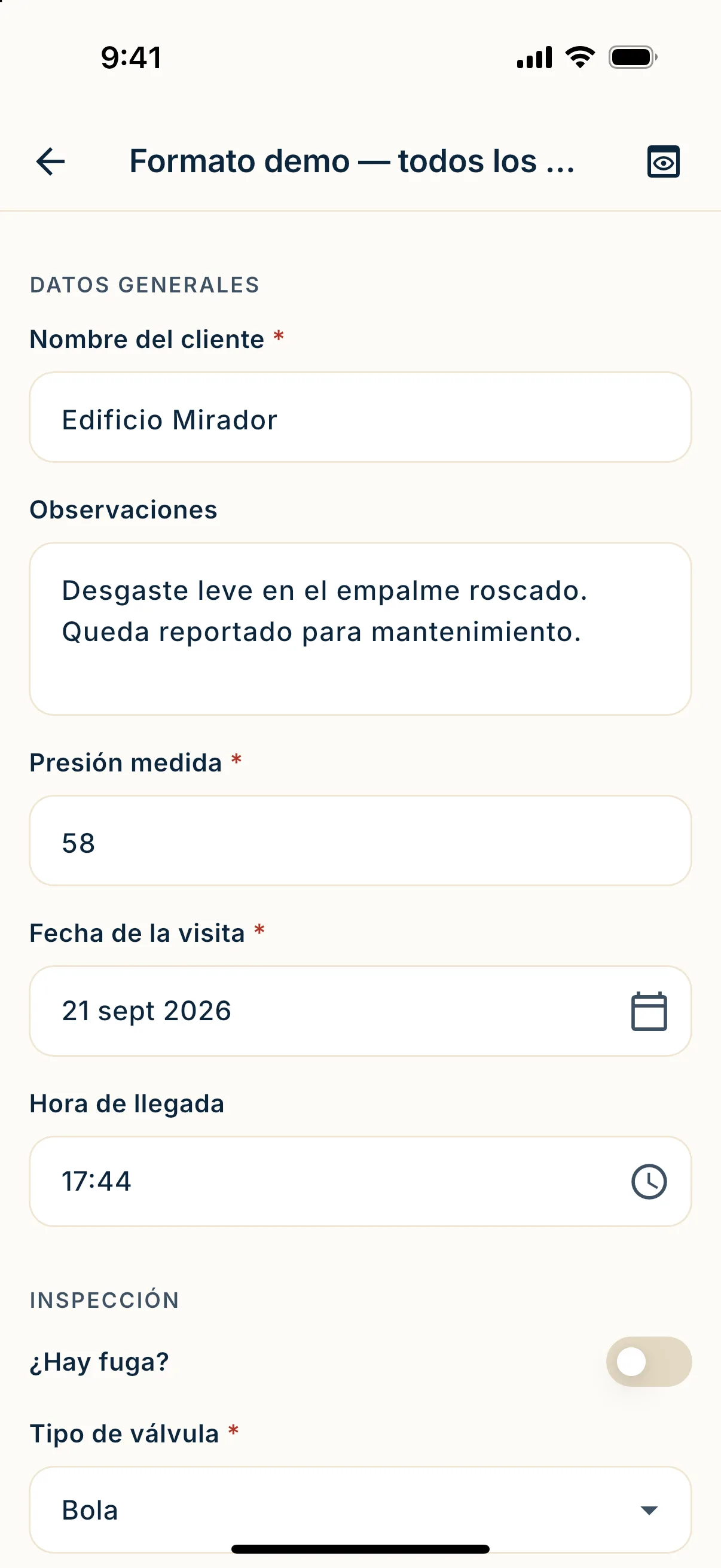
Build the installation form and the handover record without code: customer data, materials, isometric, photos and signature. On your PDF template.
- 02
Assign
Assign each site visit to the installer, with address and day. If you use Salesforce, the case creates the visit.
- 03
Fill in
The installer fills in the form on site, section by section. On submit, the PDF goes back to your system with photos and signature inside.
Sample form
What an installation handover record looks like
An example handover record for an LPG network. Each row is a field and the widget behind it. You define yours.
| Field | Field type |
|---|---|
| Customer name and ID | Text |
| Installation address | Address |
| Location on the map | GPS |
| Handover date | Date |
| Installation type | Choice |
| Materials: pipe and fittings, with totals | Table |
| Network isometric | Isometric |
| Site photo log | Photo |
| Was safe use explained to the customer? | Yes / no |
| Installer signature | Signature |
| Signature of the person receiving | Signature |
No signal
No wifi on a construction site
Buildings under construction, new housing, rural roads. The app saves every answer and photo on the phone. When the network is back, it sends everything on its own.
- The installer does not wait for signal to close the record.
- Photos stay saved even if the phone turns off.
- If a submission fails, it retries until confirmed.
Pricing
Pay per document, not per user
Add all your crews: users are unlimited. You pay per submitted record. Photos and signatures are not billed separately. The Starter plan includes 500 documents a month for COP 650,000, before VAT.
Prices in Colombian pesos (COP), before VAT.
See the plansQuestions
Questions from installers and builders
Does it work as a site photo log?
Yes. Each photo lands in its field and inside the installation PDF. Nothing gets lost in the chat.
Can I use my own handover record?
Yes. Upload your PDF template and place the fields on top. The record comes out with your design.
Does it connect to my CRM?
With Salesforce, a case creates the site visit and the PDF goes back to the case. For other systems there is an API and signed webhooks.
Can the customer sign without the app?
Yes. Share a link and they sign from the phone or computer browser, with nothing to install.
Next step
Get the form back the same day
Book a demo and we will show you your own form working.