Field forms · Web and mobile app
Flexible forms in the field
Design the form on the web, assign it to your team and fill it in on site with photos, even without signal.
A product by Beaver Soluciones Digitales
What it solves
How long does a field form take to reach your office?
- 01
Paper someone retypes
Filled in once on the phone. Nobody types it again.
- 02
The wrong form
Every job arrives assigned with its form. No improvising.
- 03
No-signal zones
Everything is saved on the phone and sent when the network is back.
How it works
Three steps, from the office to the field
- 01 Coordinator · Web
Design
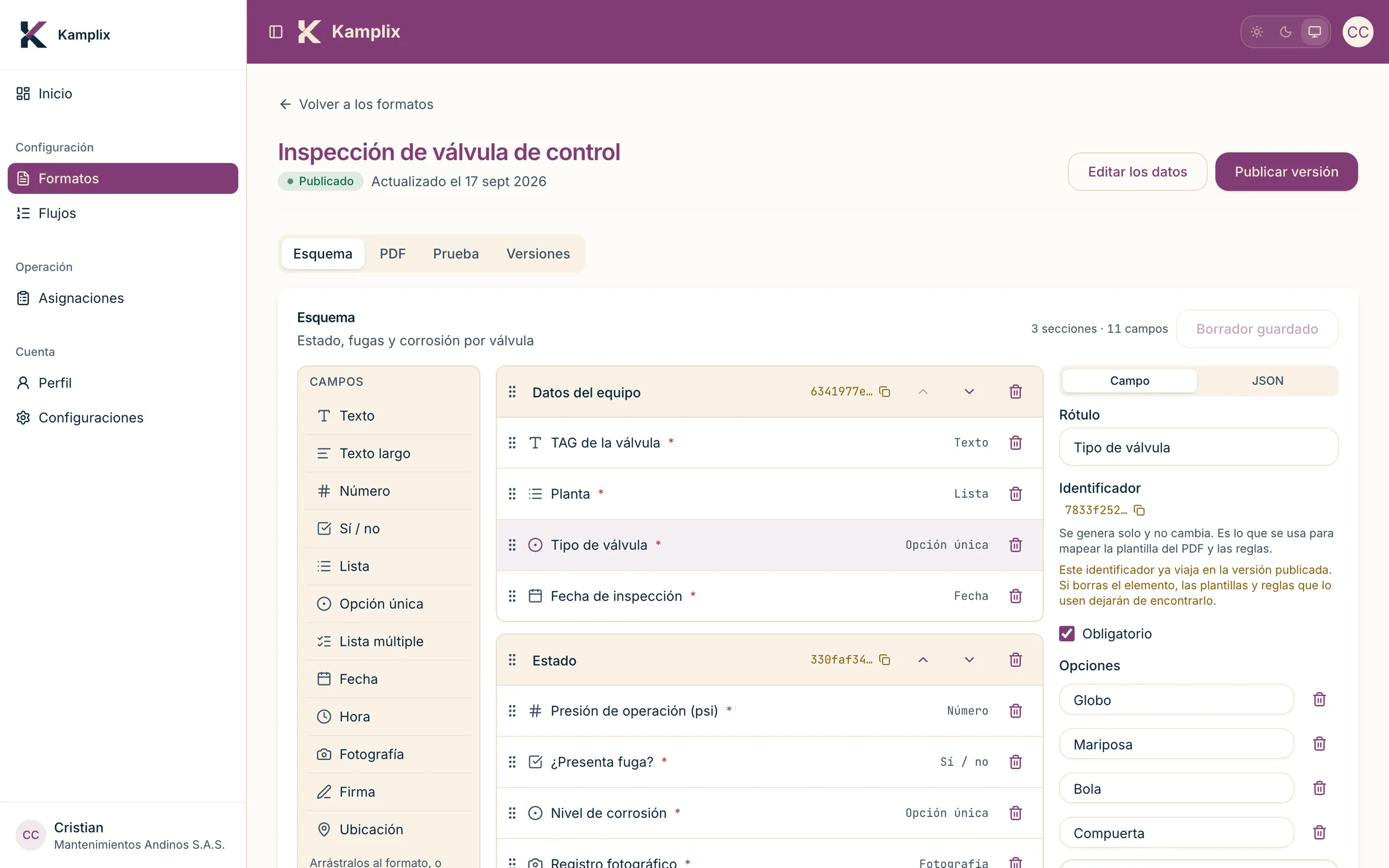
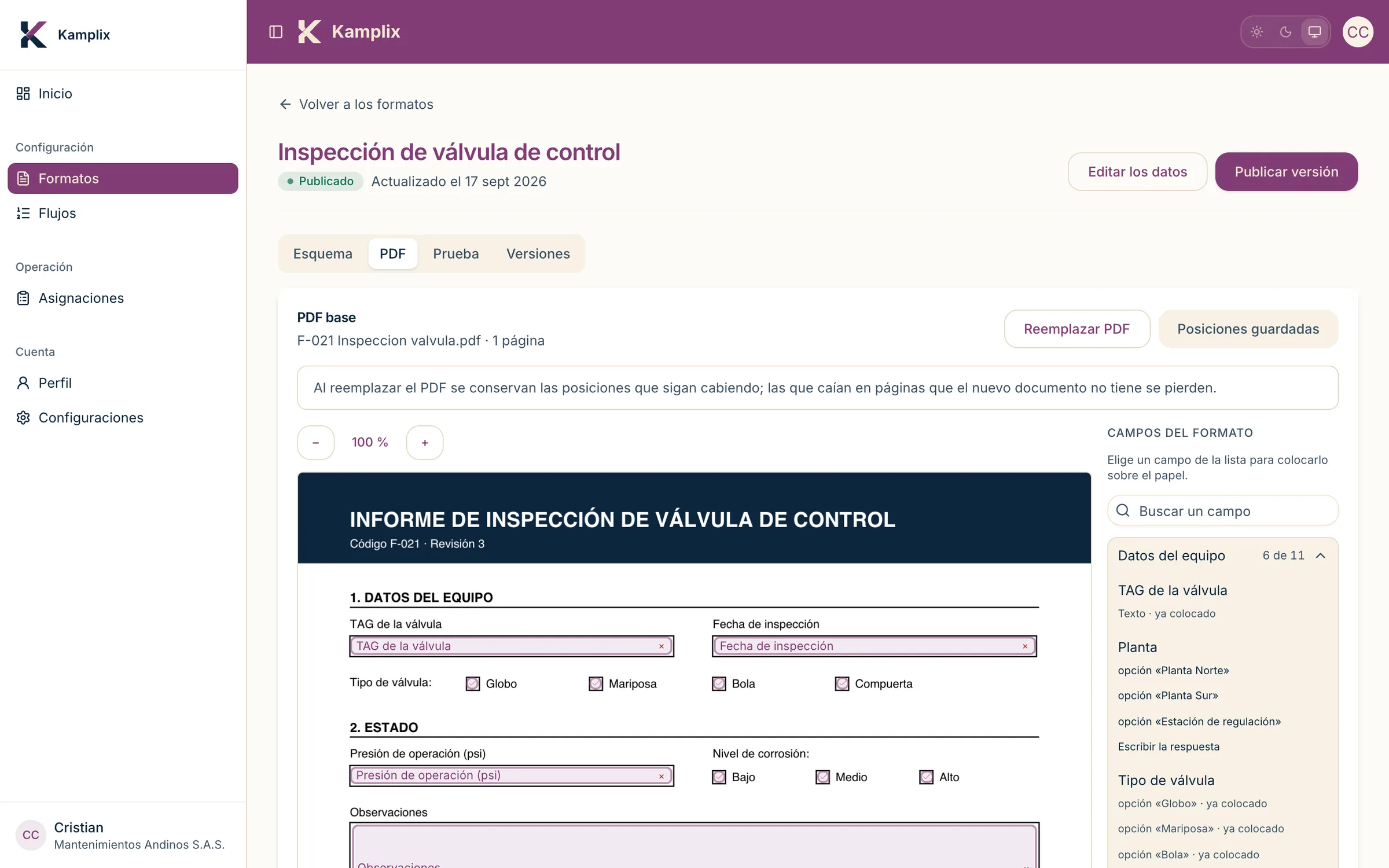
Build forms without code: sections, validations, tables, photos and a PDF template.
- 02 Coordinator · Web
Assign
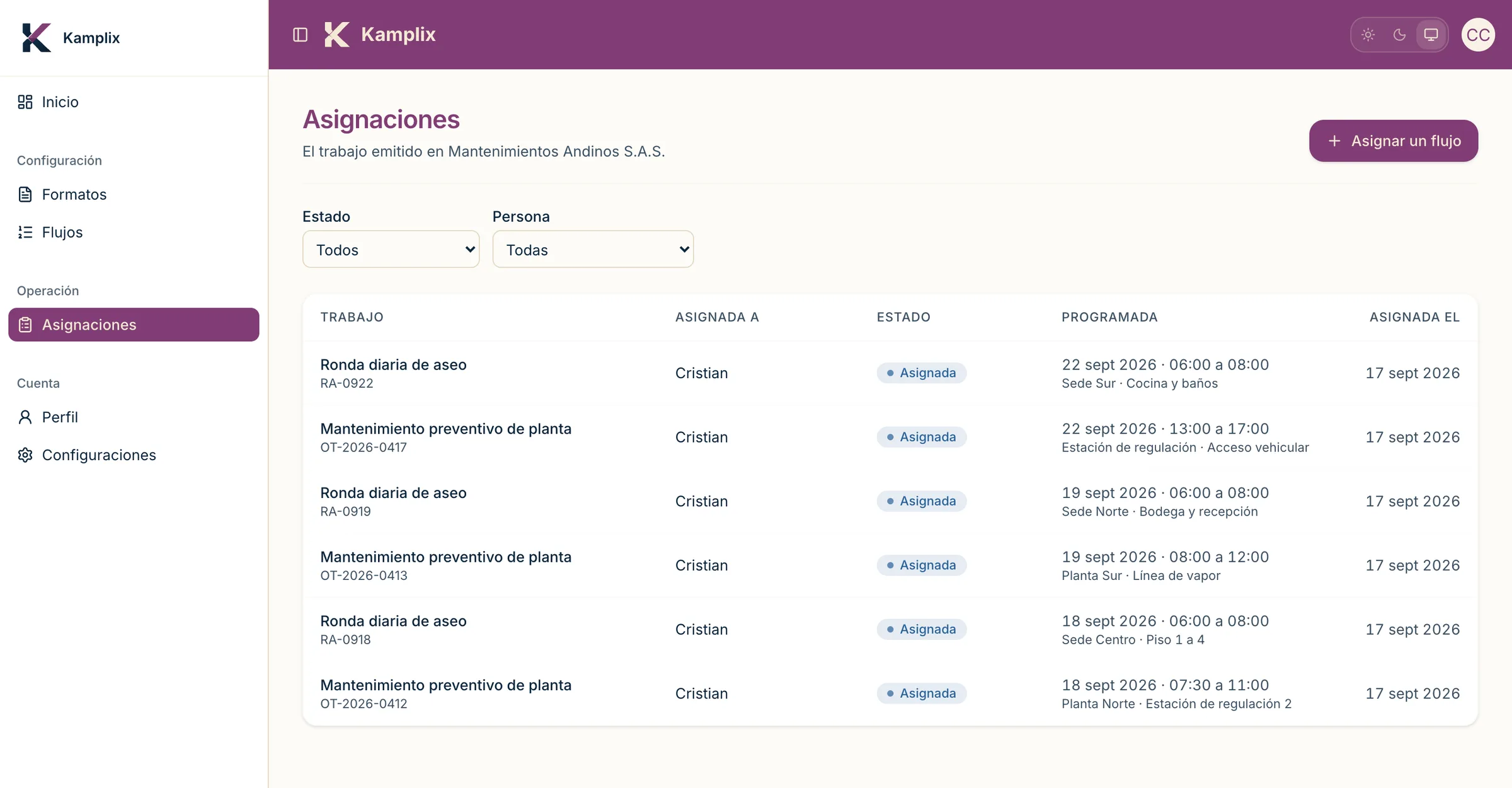
Send each job to the right technician, with its form.
- 03 Technician · Mobile app
Fill in
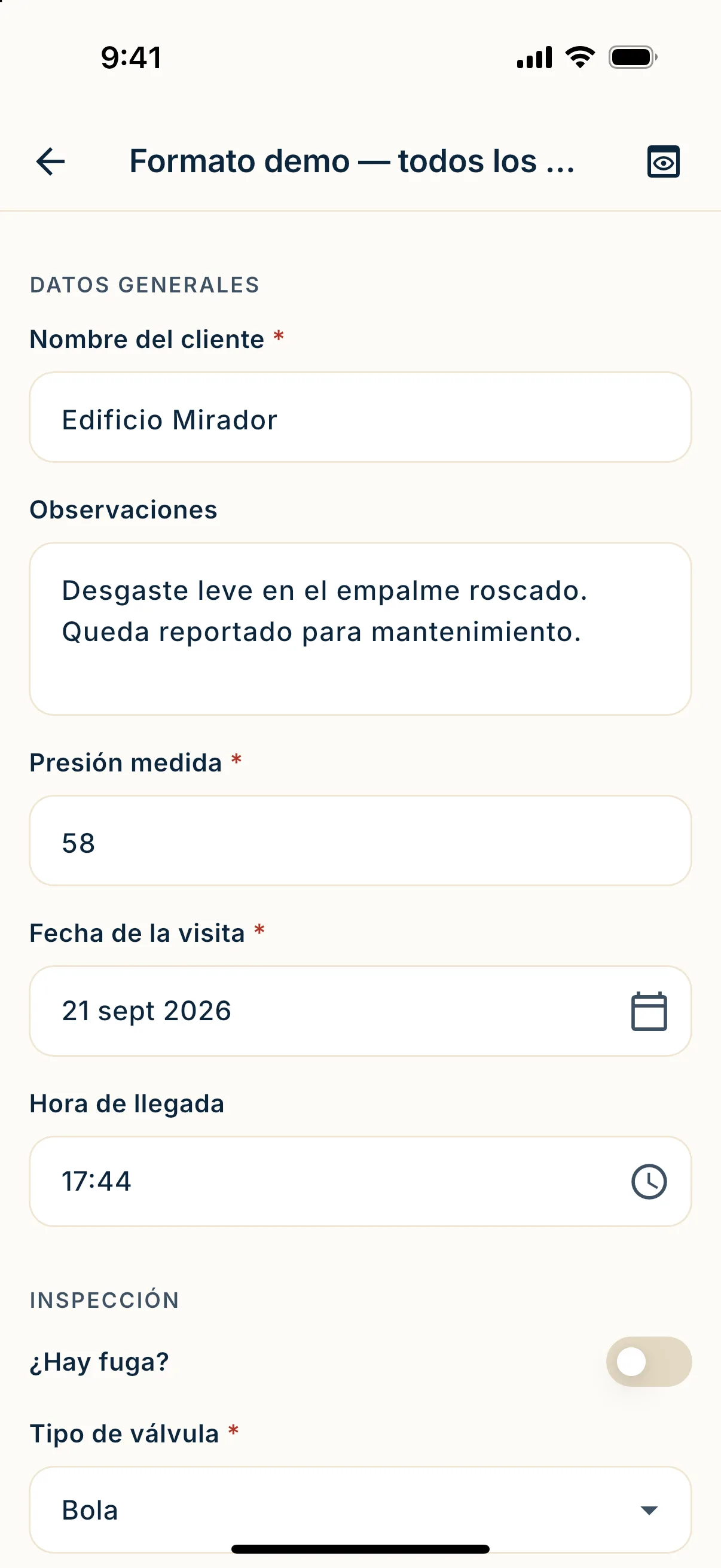
Filled in on the phone, with or without signal, and sent automatically.
Sign from any browser
Share a link and your client reviews and signs the completed form from their phone or computer. Nothing to install.
The difference
No signal, no problem
Basements, plants, rural areas: the app saves everything on the phone and sends it when the network is back.
Keep working offline
Fill in the form with zero bars.
Nothing gets lost
Saved instantly, even if you close the app.
Retries until confirmed
Pending work goes out once there is signal.
What the technician sees
- Draft
- Queued
- Syncing
- Sent
- Rejected
- Offline
Who it is for
For any field operation
Inspection and maintenance
One form per type of equipment or asset.
Installation and networks
Commissioning with photo evidence.
Cleaning, waste and logistics
Rounds per site, with photos of each point.
Pricing
Pay per document, not per user
Unlimited users on every plan. A document is a form sent and accepted.
-
Starter
500
documents a month
$650,000 /month
-
Base
1,000
documents a month
$1,050,000 /month
- Lowest cost per document
Pro
4,000
documents a month
$2,400,000 /month
-
Enterprise
Over 4,000
documents a month
Tailored
Prices in Colombian pesos (COP), before VAT. What counts as a document
FAQ
Before you decide
What counts as a document?
Each form sent and accepted counts as one: if someone fills in four forms, that is four. Photos, signatures and files inside it are not billed separately, and neither are drafts.
Do I need signal to work?
No. The app saves everything on the phone and sends it when the network is back.
Can I change a form without updating the app?
Yes. Forms are edited on the web and versioned: completed submissions keep their version.
Where is my data stored?
On Google Cloud (us-east1), isolated per company. Details are in the privacy policy.
Next step
Get the form back the same day
Book a demo and we will show you your own form working.