Use cases · Inspection and maintenance
Inspection and maintenance app for your field technicians
Kamplix is the inspection and maintenance app that turns your digital preventive maintenance form into a form for phone or tablet. The technician fills it in on site, even with no signal. You get the report as a PDF, on your own template.
The problem
The report takes longer than the service
- 01
Reports built in Word
The technician comes back with loose notes and photos. Someone types them up. Days go by before the client gets it.
- 02
No report, no invoice
The job is done, but it is not billed until the technical report is out. Every day of waiting is cash on hold.
- 03
Every asset needs its own form
A valve, a pump and a panel are not checked the same way. Pick the wrong form and the report comes back.
How it works
Your maintenance checklist, in three steps
- 01
Design
Move your protocol into Kamplix without code: sections, measurements, photos and signature. One form per asset type, on your PDF template.
- 02
Assign
Schedule each job and assign it to the technician with the right form. No guessing: the form is already there.
- 03
Fill in
The technician fills in the form on site, takes photos and collects the signature. On submit, the technical PDF report is ready to bill.
Sample form
What a service report with photos looks like
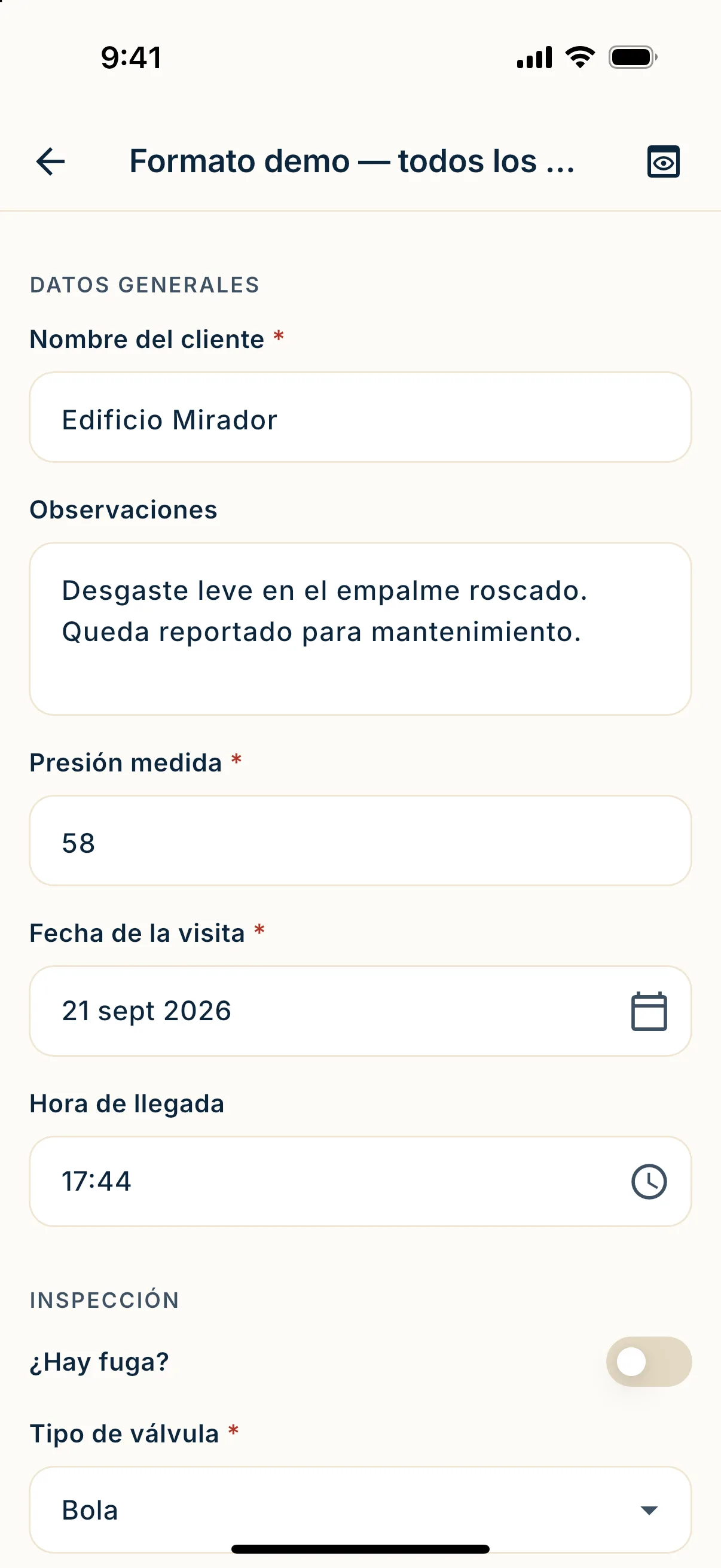
An example of preventive maintenance on a piece of equipment. Each row is a field and the widget behind it. You choose the fields.
| Field | Field type |
|---|---|
| Client and site | Text |
| Equipment location | GPS |
| Service date and time | Date and time |
| Maintenance type | Choice |
| Equipment tag or serial | Text |
| Is the equipment running on arrival? | Yes / no |
| Operating pressure | Number |
| Spare parts used, with quantities and total | Table |
| Before and after photo | Photo |
| Technician notes | Text |
| Signature of the person receiving | Signature |
No signal
In the basement or on the plant floor, no signal
Machine rooms rarely have coverage. The app saves every answer on the phone and sends the form on its own when the network is back.
- The technician fills in everything with no bars.
- What is typed is saved instantly, even if the app closes.
- Each submission shows its status: queued, syncing or sent.
Pricing
Pay per document, not per user
Add every technician you need: users are unlimited. You pay per submitted form. The Starter plan includes 500 documents a month for COP 650,000, before VAT.
Prices in Colombian pesos (COP), before VAT.
See the plansQuestions
Questions about the technical PDF report
Can I use my own report layout?
Yes. Upload your PDF template and place the fields on top. The technical PDF report comes out with your design.
Does it work as a preventive and corrective maintenance checklist?
Yes. Create a form for each and assign the right one. If you change a form, what was already filled in keeps its version.
Is a service report with photos heavy?
Photos travel apart from the form and end up inside the PDF. Photos are not billed: you pay per document.
What if the technician has no signal?
They keep working. The form is saved on the phone and sent on its own when there is network.
Next step
Get the form back the same day
Book a demo and we will show you your own form working.